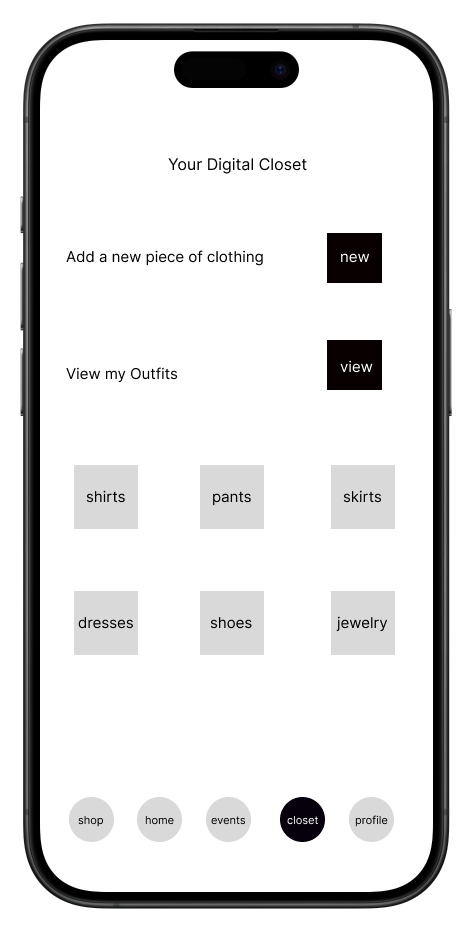
On the homepage of closet, you can view the categories your clothing pices are in, view your outfits, and add new pieces of clothing to your closet
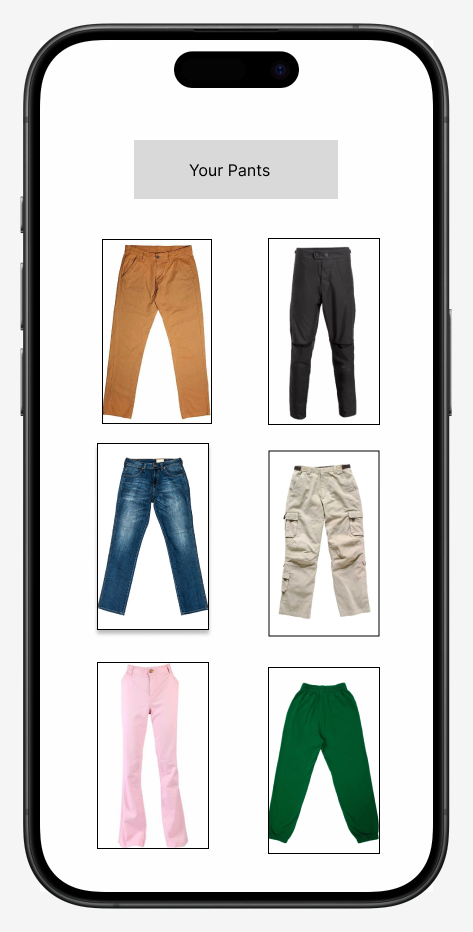
Once you click on a category, you can view the clothing items within it
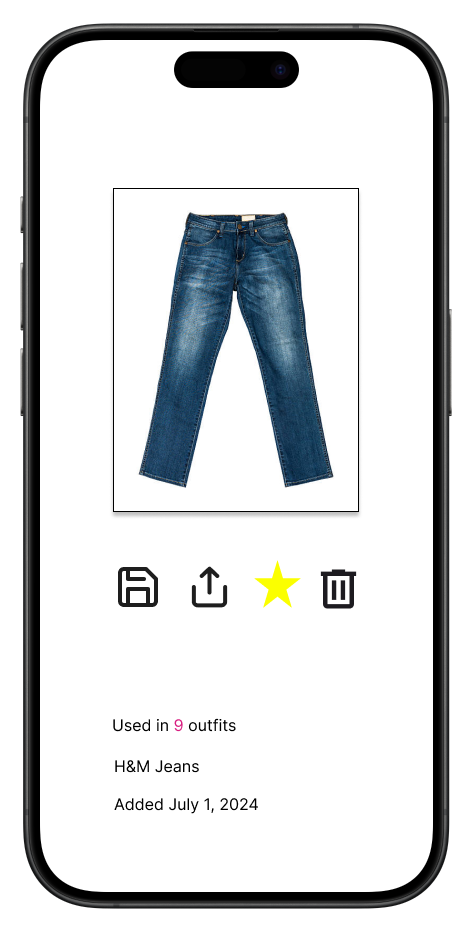
Clicking on a specific picture of a clothing item, would allow you to delete it from the closet, pin it to the top by starring it, share it to events or your feed, add it to another outfit, see when it was added, how many outfits is it used in, and optionally where you got it from
If you clicked on 'Add new Piece of Clothing' you will be directed to this page where you can take a picture of the clothing item.
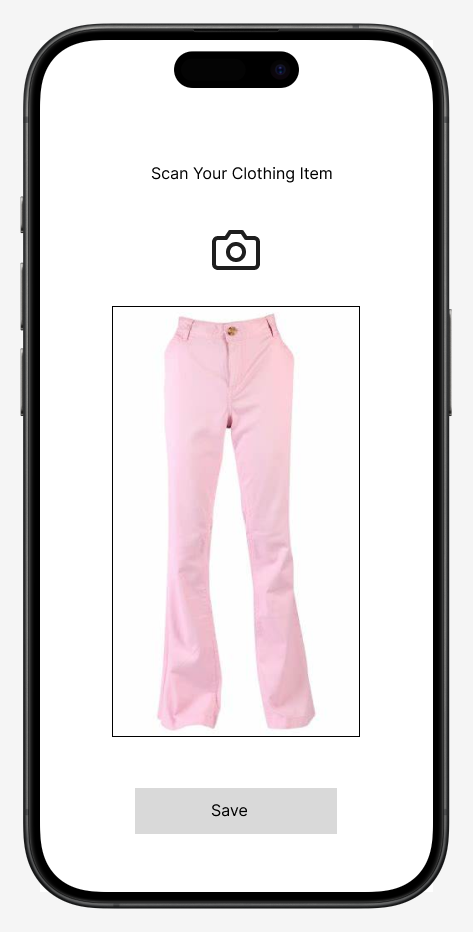
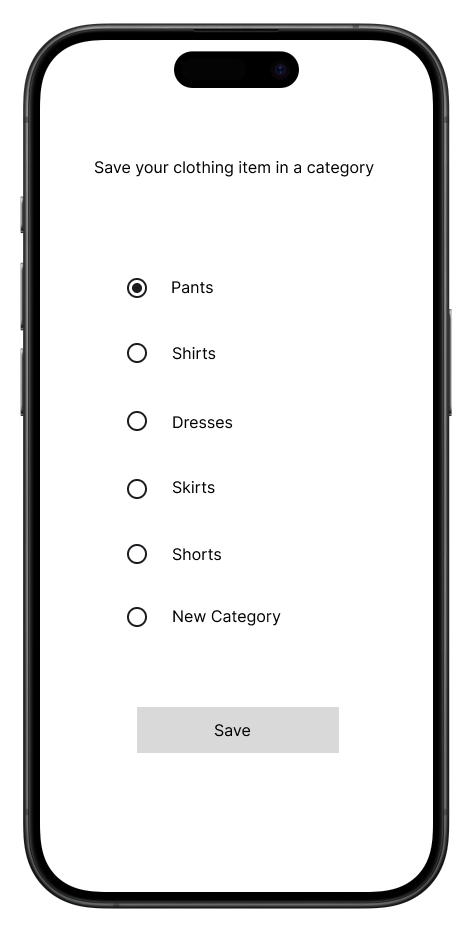
Once you press save you can choose to save it in an existing category or create a new category to save it in.
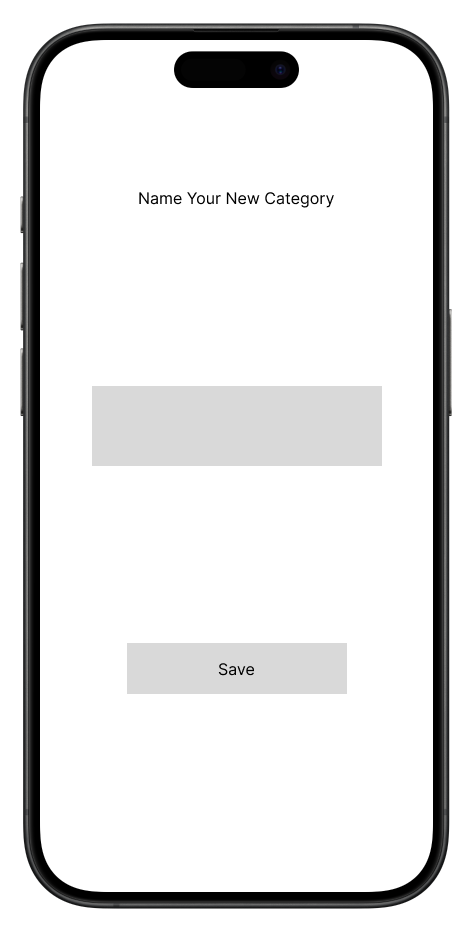
If you create a new category, you'll be asked to name it
If you clicked on 'View My Outfits' on the first page of closet, you'll be able to see categories of outfits you've created
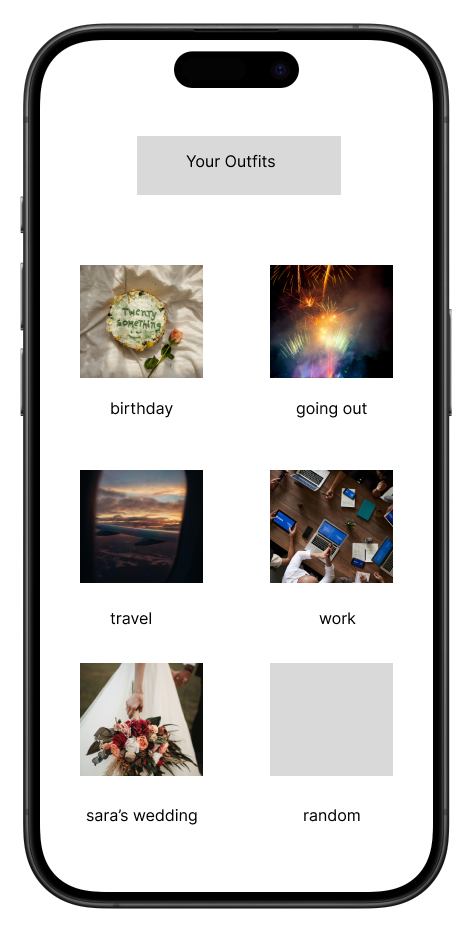
Once you click on a specific category, you'll be able to see your outfits
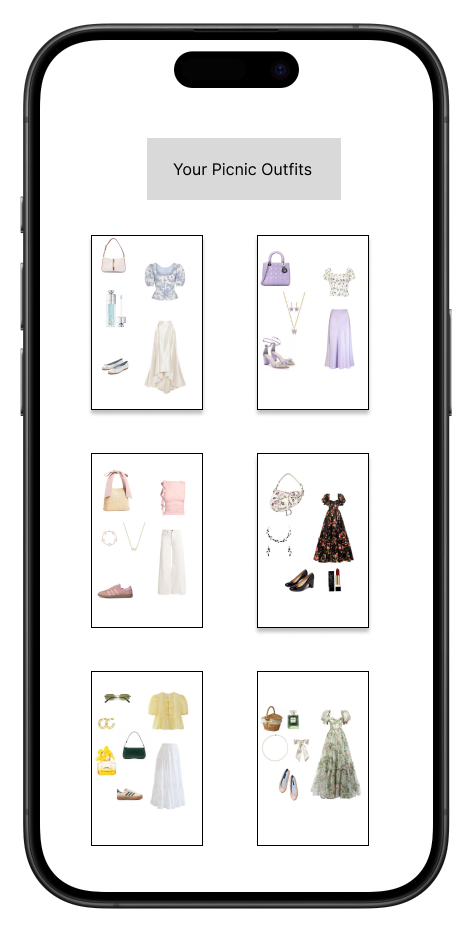
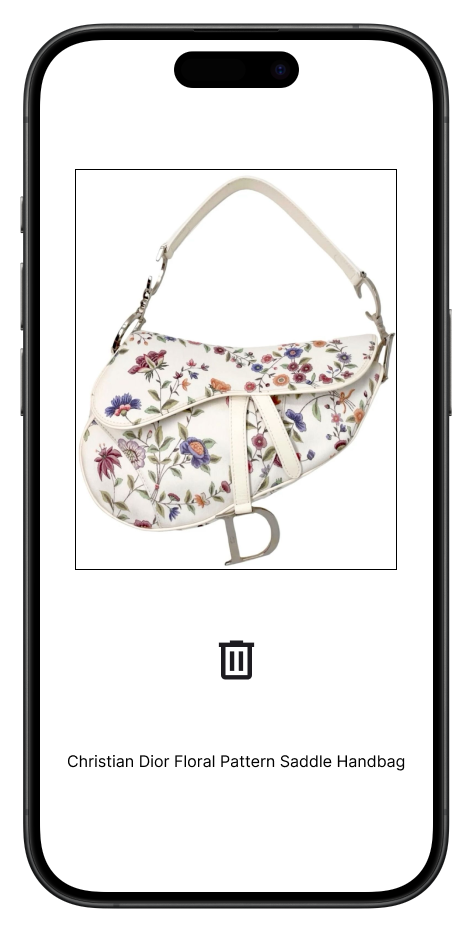
If you click on a specific outfit, you'll be able to see what pieces of clothing from your closet make up the outfit. You will also be able to share the outfit to events or your feed, in the outfit by starring it or delete the outfit
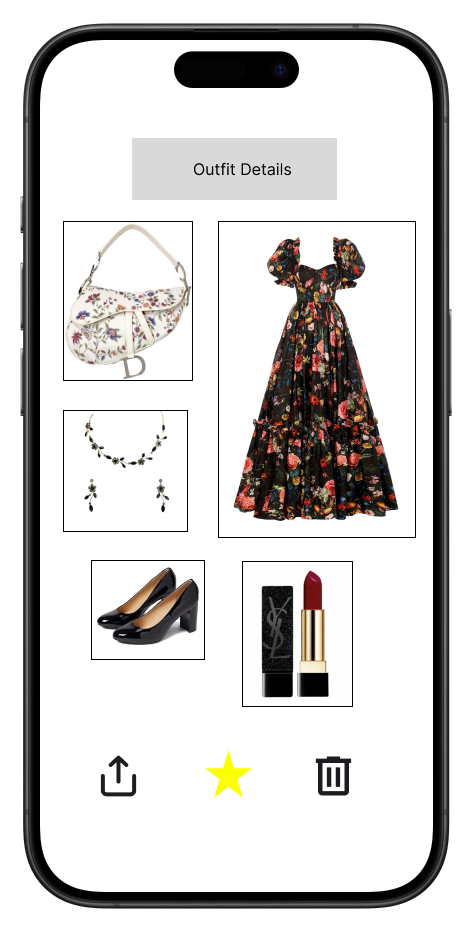
If you click on a specific piece of clothing within an outfit, you'll be able to delete it from the outfit and optionally see what you named the piece in your closet